Something happens in the first thirty seconds of a live stream that no edited video can fake. A stranger types a question, you answer it in real time, and for a moment your audience stops being an analytics number and becomes a person. That moment is why live streaming has survived every algorithm change, every format war, and every “video is dead” prediction of the last decade. In 2026, TikTok, Instagram, and YouTube all still push live video harder than almost anything else — because nothing keeps people inside an app longer than a live broadcast they care about.
But here’s the part the streaming gurus skip: going live is not a growth hack. It will not rescue a dead account, it will not manufacture an audience out of thin air, and the platforms’ live push comes with no guarantees. What live streaming actually gives you is the fastest known way to convert attention into trust — and trust is what turns a casual viewer into a follower who sticks around. This playbook covers what live can and can’t do, which formats are worth your time, the minimum gear that actually matters, and the before-during-after routine that separates streams that grow your audience from streams that just eat your evening.
What going live actually does for a creator (and what it doesn’t)
The honest case for live is psychological, not algorithmic. When someone watches you think out loud, fumble an answer, and laugh at your own mistake in real time, something shifts: you stop being a content source and become a person they know. People follow people they feel they know — not perfectly, not always, but far more often than they follow a polished feed they merely admire. That’s the real engine under every “I grew from going live” story.
There is also a genuine distribution tailwind. TikTok surfaces LIVE to followers and to viewers who have engaged with similar streams; Instagram notifies your followers and parks you at the front of the Stories tray; YouTube treats a scheduled live like a watch-time event and pushes the replay afterward. None of this is a conspiracy in your favor — it’s platforms optimizing for session time — but the effect is real: a live broadcast often reaches a larger share of your existing audience than a regular post does.
The “doesn’t” list matters more. Live will not fix a content problem — if nobody watches your edited videos, an empty live room won’t change that. It will not guarantee followers; most small-account streams peak at a dozen concurrent viewers, and that is normal, not failure. And “going viral live” is not a strategy, it’s a lottery ticket with a chat window. Measure the right things: follows per viewer, returning viewers, and how many people stick around past the ten-minute mark. Peak concurrent viewers is the vanity metric of live; ignore anyone who leads with it.
Pick a live format that fits your content
The biggest beginner mistake is going live with no format — just “hanging out” and hoping conversation happens. Hanging out works when you already have an audience; before that, it’s an empty room with extra steps. Pick one format and repeat it weekly until it has a shape. The honest options:
- Q&A / AMA: the trust-builder. Works when you have a question bank — pull real questions from your comments and DMs first. A cold Q&A with no questions is the fastest way to learn what silence sounds like.
- Behind-the-scenes / “work with me”: low prep, high authenticity. Great for process-based creators — designers, cooks, builders, writers. The audience comes to watch the work and stays for the company.
- Co-host / guest lives: the only format that reliably brings genuinely new viewers, because two audiences meet in one room. Choose guests your audience already cares about, not just creators with bigger numbers.
- Teach something live: tutorials, demos, teardowns. Hardest to do well, but it clips beautifully afterward — one good teaching moment becomes three short videos.
- Watch party / reaction: easy to start, but check the platform’s rules on copyrighted content, and know that reactions alone rarely build a loyal audience. People came for the thing you’re reacting to, not for you.
The minimum viable live setup (your phone is enough)
Let’s kill the gear anxiety first: your phone’s camera is already good enough to grow with. Nobody ever gained a loyal audience because their stream was 4K, and plenty of creators with expensive rigs stream to empty rooms. Buy gear to remove friction, not to postpone starting.
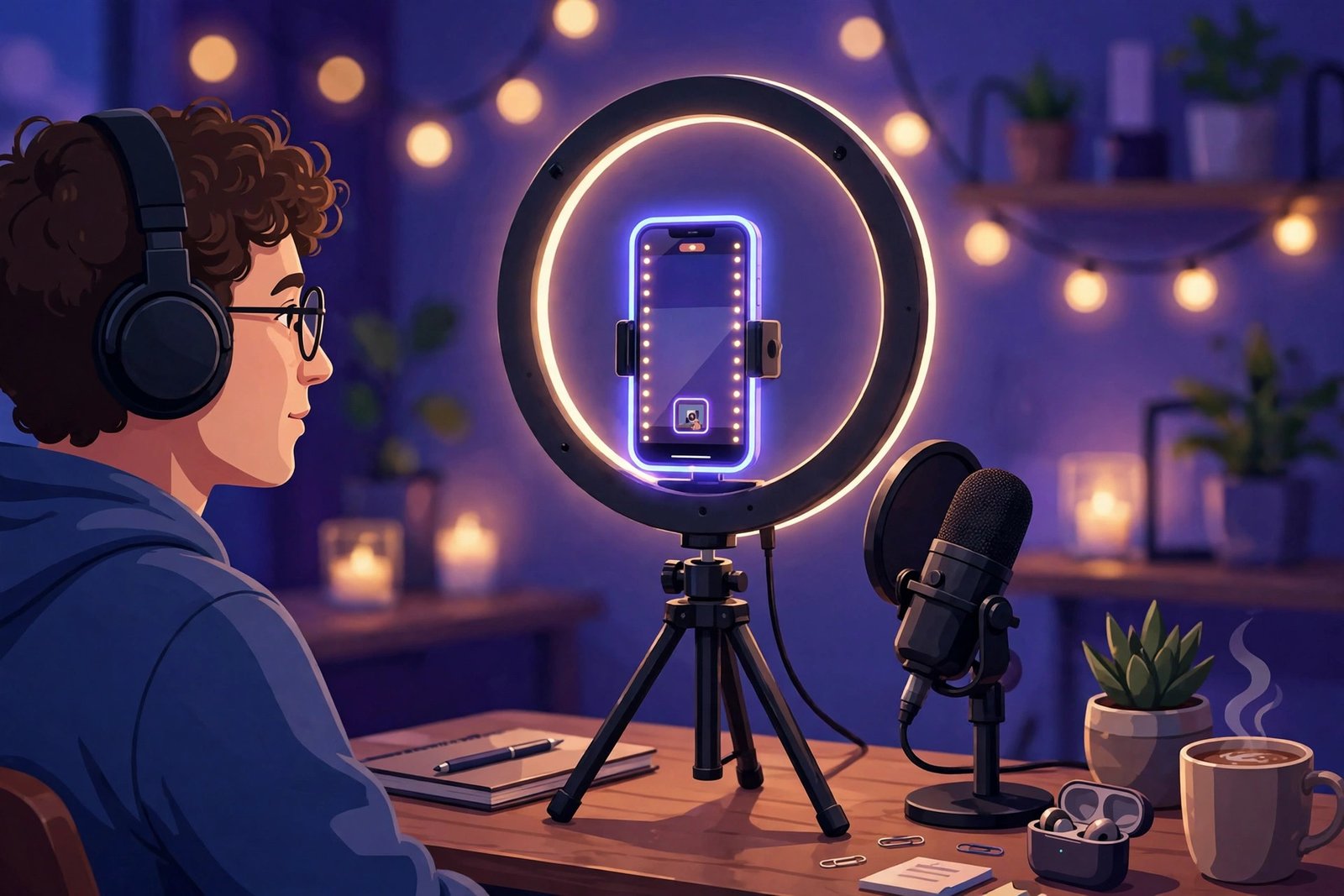
If you buy exactly one thing, make it audio. Viewers forgive shaky video and mediocre lighting for a surprisingly long time; they abandon bad audio in under a minute. If you stream from a desk or laptop, a USB microphone like the Logitech Blue Yeti is the classic first upgrade — plug-and-play on any computer, and it instantly makes you sound like someone worth listening to. That single change does more for retention than any camera ever will.
The second upgrade, only if you stream from a computer with OBS or Streamlabs: a dedicated webcam. A Logitech C920x costs less than a dinner out and beats almost every built-in laptop camera on framing, focus, and low light — the three things that make a desktop stream look intentional instead of accidental.
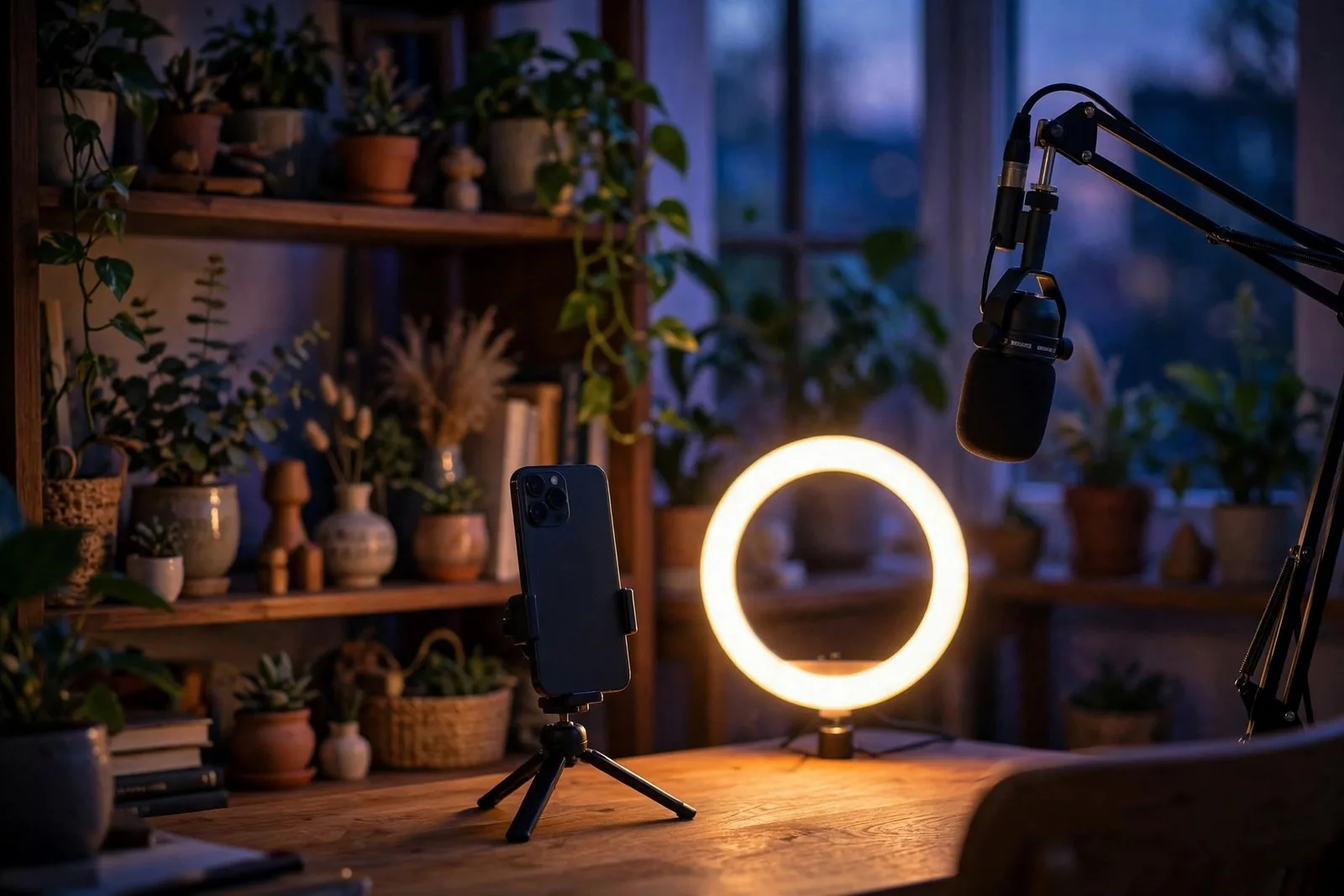
Everything else is free or nearly so. Light: face a window during the day; at night, a cheap ring light or even a desk lamp bounced off a wall works. Framing: prop the phone at eye level — looking down at viewers reads as distant, looking up reads as awkward. Internet: upload speed matters more than download, so run a speed test before your first stream and broadcast on solid Wi-Fi or 5G, never on a shaky café connection. And the unglamorous truth: none of this fixes boring. Gear removes excuses; it doesn’t create reasons to watch.
Before you go live: the 15-minute checklist
Professionals don’t wing it — they run a checklist, because live has no edit button. Fifteen minutes before you start:
- Write the stream title like a promise, not a placeholder. “Ask me anything about growing on TikTok” beats “going live!!” every time — titles are how browsers decide to tap in.
- Pick three talking points or questions to fall back on. Silence kills streams; a short list kills silence.
- Test audio and framing with a ten-second private recording. Watch it back. Fix what’s broken now, not live.
- Plug in the charger and close heavy apps. A dead battery mid-stream is a small tragedy you can fully prevent.
- Turn on Do Not Disturb and tell anyone nearby you’re recording. Nothing deflates a moment like a ringing phone.
- Script your first sixty seconds: who you are, what this stream is, what viewers get by staying. The beginning is when most people decide.
- Prepare one soft call to action — “I go live every Thursday; follow so you catch the next one” — honest and unhurried, not desperate.
During the stream: the rhythm that keeps people watching
Here’s the open secret of good live hosts: they repeat themselves on purpose. Most of your viewers join mid-stream, so the single highest-leverage habit in live streaming is the re-greeting — every ten minutes or so, a quick “if you’re just joining, here’s who I am and what we’re doing.” It feels repetitive to you; to each newcomer, it’s the first time. Our guide to building a community that talks back covers the same principle for comments — live just runs it in real time.
Say commenters’ names out loud and answer by name. It costs nothing, and it converts lurkers into participants faster than any other technique, because being recognized is the smallest possible unit of belonging. Structure the stream in ten-minute blocks with one idea per block, and tease what’s coming — “in ten minutes I’ll show the exact setup” — so there’s always a reason to stay for the next segment.
Handle trolls boringly. Ignore, block, move on. Reacting to provocation is the content they came for; denying it to them is the whole strategy. And end deliberately: recap the best moment, thank the room by name where you can, deliver your soft call to action once, and tell them exactly when the next stream is. Streams that fade out lose the follow; streams that close with intention earn it.
After the stream: the part most creators skip
The stream itself is maybe half the value. The other half happens in the hour after you end: save the broadcast, pull two or three of the best moments, and turn them into Shorts, Reels, or TikToks — the teaching format from earlier is a clip machine, and our repurposing playbook walks through the full workflow. Pin a comment or post a short recap for the people who missed it, and reply to the best comments within a day while the conversation is still warm.
Then read the numbers honestly — average watch time, follows gained, returning viewers, and which ten-minute block held people longest. Not sure how to read them without fooling yourself? Our analytics guide is the antidote to vanity metrics. And if you want a second opinion on which of your past posts actually earned real saves and replies, Virello’s content analysis builds you a shortlist — that’s your live-topic backlog for the next month. Starting from zero cost? The free plan covers it.
Finally, keep the slot. Same day, same time, every week. One stream is an event; a weekly stream is a habit — yours and theirs. Growth from live compounds the way all honest growth compounds: slowly, then noticeably, never overnight.
Frequently asked questions
How long should a live stream be?
Forty-five to ninety minutes is the sweet spot for most creators — long enough for word to spread and late joiners to arrive, short enough to end with energy. When you’re starting out, thirty focused minutes beats two rambling hours. Ending while the room is still warm beats dragging on until everyone’s gone.
Do I need a big audience before going live?
No, but calibrate your expectations: ten to twenty concurrent viewers is a perfectly normal stream for a small account. The fastest way to borrow an audience is a co-host live with a creator your viewers already respect — one good guest does more than a month of solo streams to empty rooms.
Which platform is best for going live in 2026?
The one where your audience already lives. TikTok’s LIVE discovery is the strongest for reaching strangers, Instagram is best for deepening an existing community, and YouTube rewards longer, searchable live sessions with replay value. Master one before you simulcast — running three chats badly is worse than running one chat well.
Can I make money from live streaming?
Gifts, tips, and badges exist on every platform, but they’re unreliable income for small creators — treat them as a bonus, not a business model. The honest economics: live builds the audience that later buys, subscribes, or hires you. Anyone selling “go live and get rich” is selling the course, not the outcome.
The bottom line
Going live won’t make you famous, and anyone who promises otherwise is selling something. What it will do — if you show up weekly, sound good, respect the clock, and do the unglamorous after-work — is make you known. Really known, by real people, faster than any edited format allows. In 2026, that kind of trust is the scarcest asset a creator can own, and a weekly live is the cheapest honest way to build it.